⚡ S770 PCIe 4.0 NVMe M.2 SSD with Heatsink.
⚡ S770 PCIe 4.0 NVMe M.2 SSD with Heatsink.
BUNDLE & SAVE
Couldn't load pickup availability
- American express payment method
- Apple pay payment method
- Diners club payment method
- Discover payment method
- Google pay payment method
- Master payment method
- Paypal payment method
- Shopify pay payment method
- Visa payment method
-
Ordered
- - -
Order Ready
- - -
Delivered

⚡ S770 PCIe 4.0 NVMe M.2 SSD with Heatsink.
S770 · Internal NVMe SSD
Keep more
installed.
Make room for games, captures and project files with an internal PCIe 4.0 ×4 NVMe SSD. Check your M.2 slot and choose the capacity you’ll use.
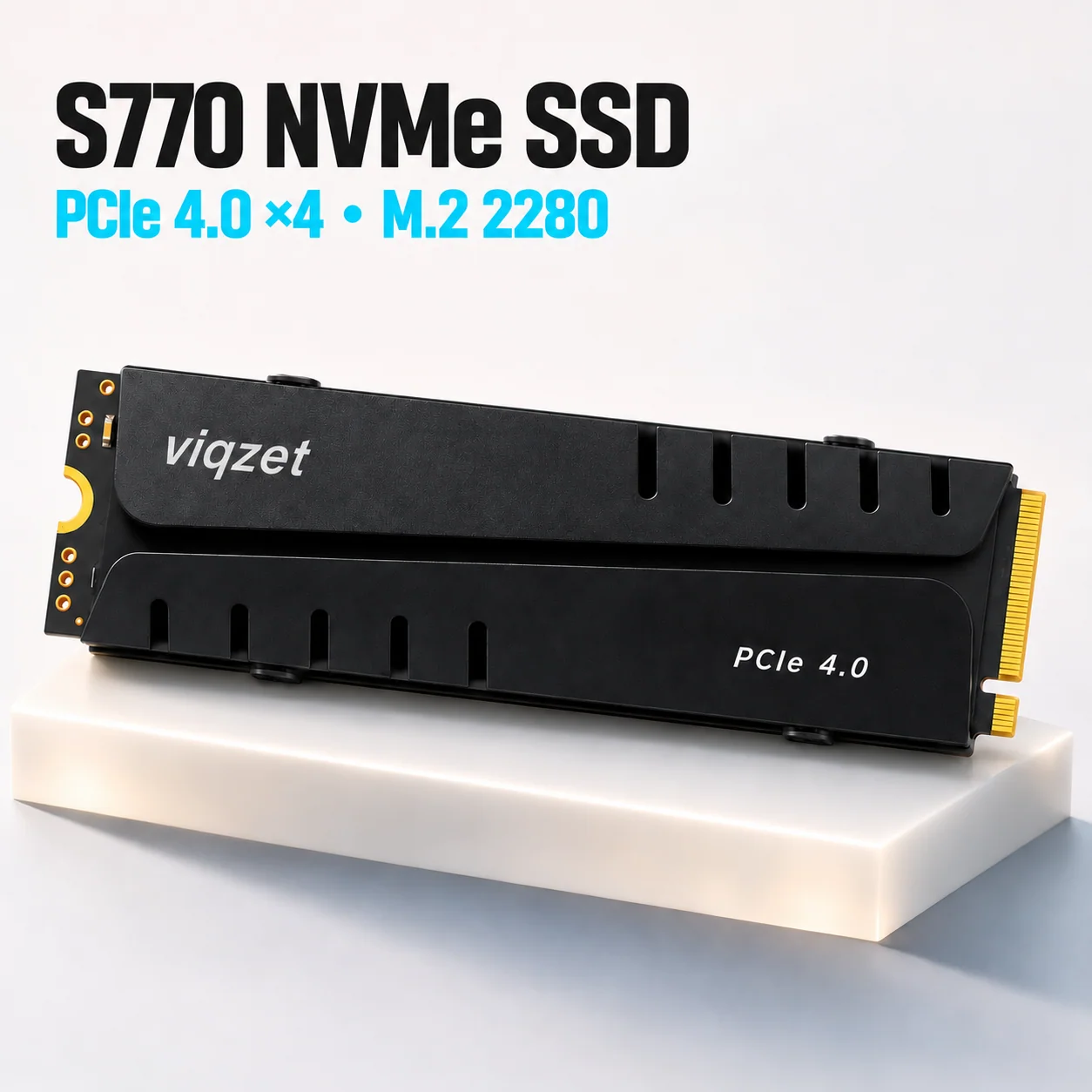 Branding shown is a design preview.
⚡ PCIe 4.0 ×4
🛠️ Heatsink included
💾 M.2 2280
Sequential speed
More bandwidth
for big files.
Manufacturer-rated series maximum. Actual speeds vary by revision, capacity, system and workload.


Thermal design
Fins you can see.
The black finned heatsink comes separately and helps move heat away from the drive once fitted. Check clearance around your slot before installing the cooling hardware.
Game library
Space for the next install.
Add a dedicated storage drive to a compatible setup. For PS5, verify your console’s M.2 requirements and measure the drive with its cooling hardware fitted.

Desktop workflows
Give your projects a drive.
Keep recent edits, downloads and game captures in one place on a PC with a compatible M.2 NVMe slot.
Capacity guide
Buy for the space you need.

Before you choose
Check your slot.
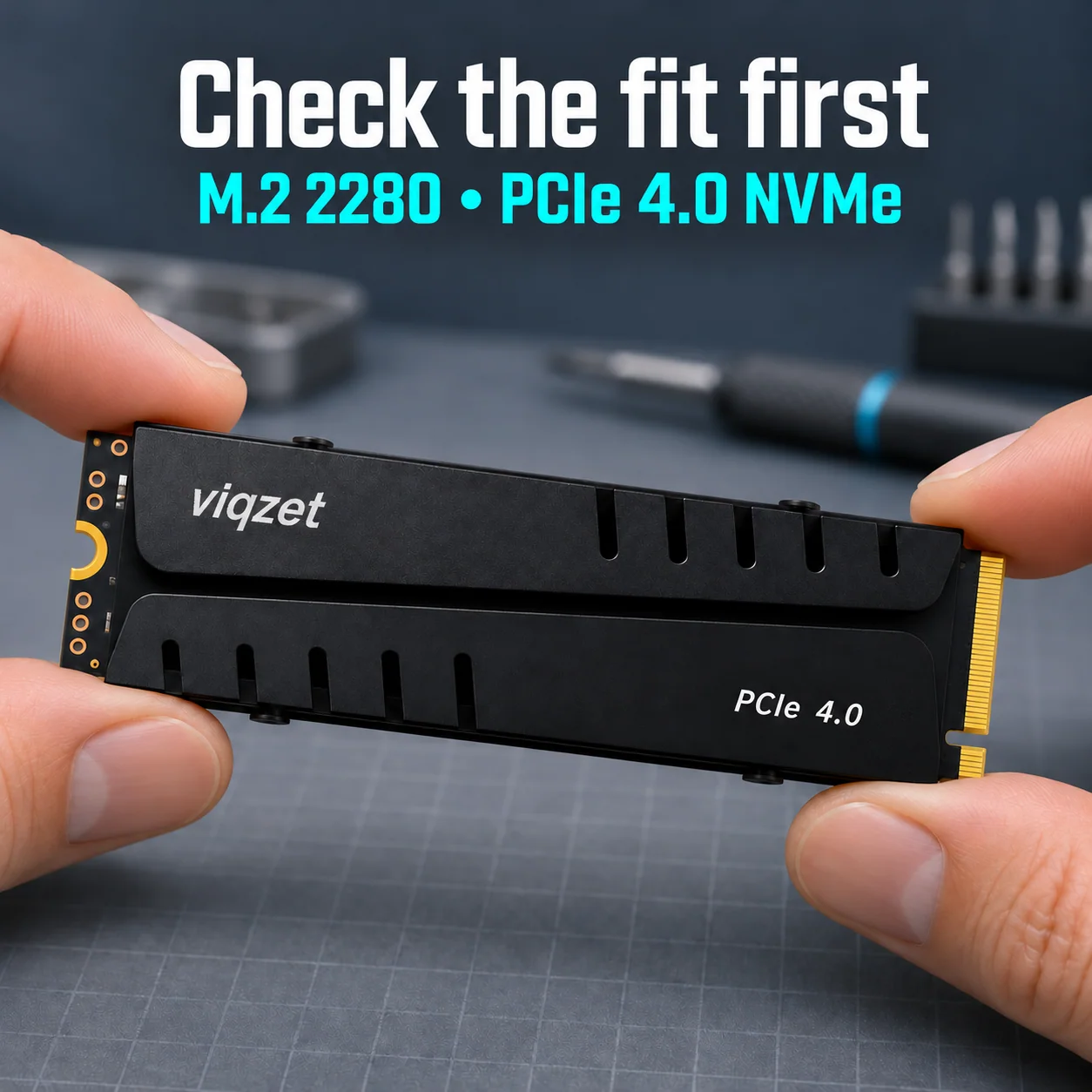
Find the 80 mm mounting point. M.2 2280 is the 22 mm × 80 mm drive format.
Confirm PCIe NVMe support. Check your system manual for an M-key NVMe slot. A Gen4 ×4 slot offers the rated interface bandwidth.
Measure the complete cooling assembly. For PS5, Sony lists up to 25 mm wide and 11.25 mm thick with cooling fitted, with 5,500 MB/s or faster sequential reads recommended.
Common questions
Before installing.
How do I prepare the drive for use?
Power off and unplug your system. Follow its manual to install and secure the drive and configure cooling. Start the system and follow its storage setup prompts. Before formatting, confirm you selected the new drive.
Does a SATA-only M.2 slot work?
This model requires a PCIe NVMe slot. Look for NVMe support in your motherboard or device manual.
How do I check PS5 fit?
Compare both the SSD specifications and the dimensions of the full cooling assembly against Sony’s requirements for your console model. Verify clearances against your exact hardware before ordering.
Why might my device show a different capacity?
Drive labels use decimal units. Some systems display binary units, and formatting may also affect the space shown.